
Secure operation with “everyday use” and “backup”
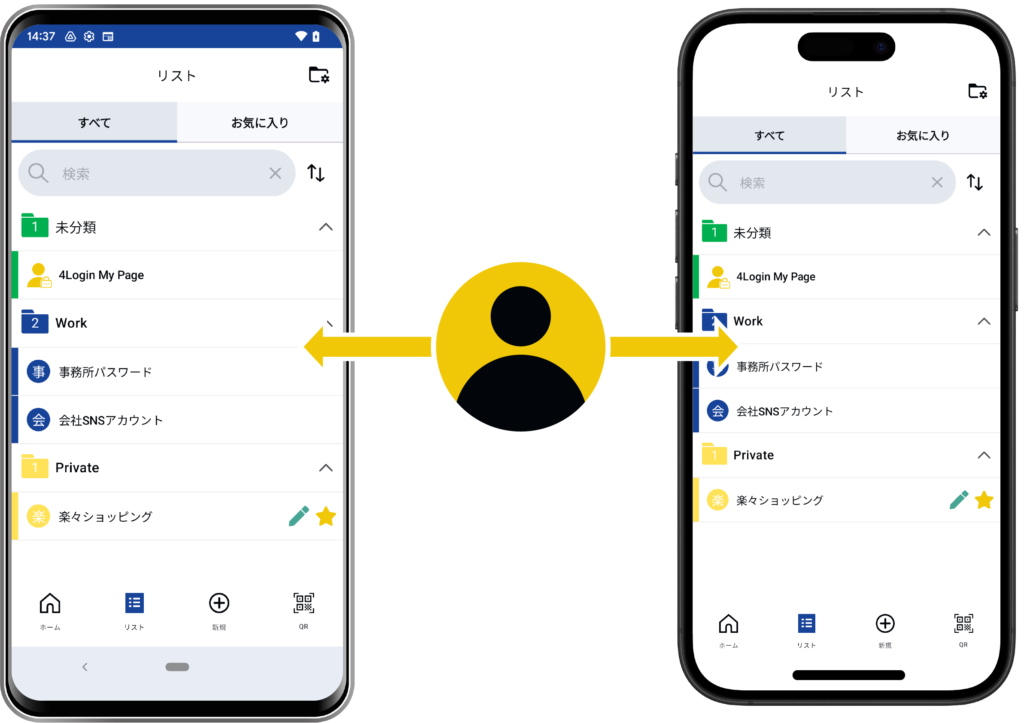
The 4Login app allows you to share your 4Login account across multiple devices, such as smartphones and tablets, and access the same password data on each device.
If you install it on multiple devices, even if your main smartphone breaks down, you can still access your passwords on another device.
It’s okay if you forget the pattern!?
Even if you lose your device and forget your pattern, you can reset your pattern using the 4Login app on your backup device.
However, resetting your pattern requires your registered email address (and restore key, if applicable).
For details, please refer to ” I want to change the pattern / I forgot it “.
If you forget the pattern (and restore key), there’s nothing we can do, so please be careful.
Even the operating company can’t do anything about it…
Instructions for use on a different device
To share your account, install the 4Login app on a different device than the one you’re already using it on. After launching the app, proceed with registration via “Data Transfer.”
For more information on “Data Transfer,” please see the ” I want to change my device / I lost my device ” page.