For storing a second password separate from your login password, or other important information besides passwords, please use the convenient “Memo function.”
You can add a “Note” by tapping “Note” on the password (or slot) screen and entering a pattern.
To view the contents of this note after saving it, you will need to enter the pattern again. This means you can record information you don’t want others to see.
Notes can be saved for each password (or slot).
How to take notes
STEP
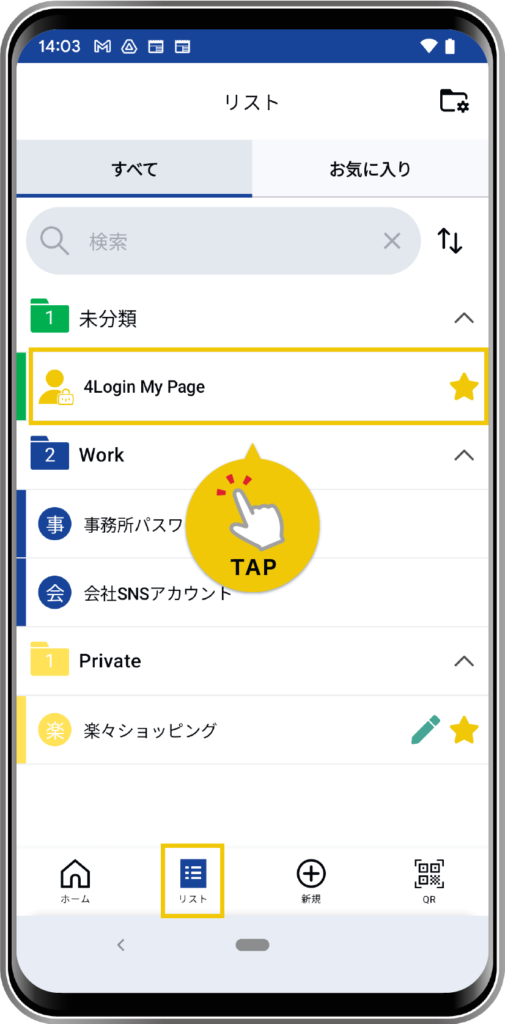
From the “List” menu at the bottom, tap the password (or slot) to which you want to add a note.
STEP
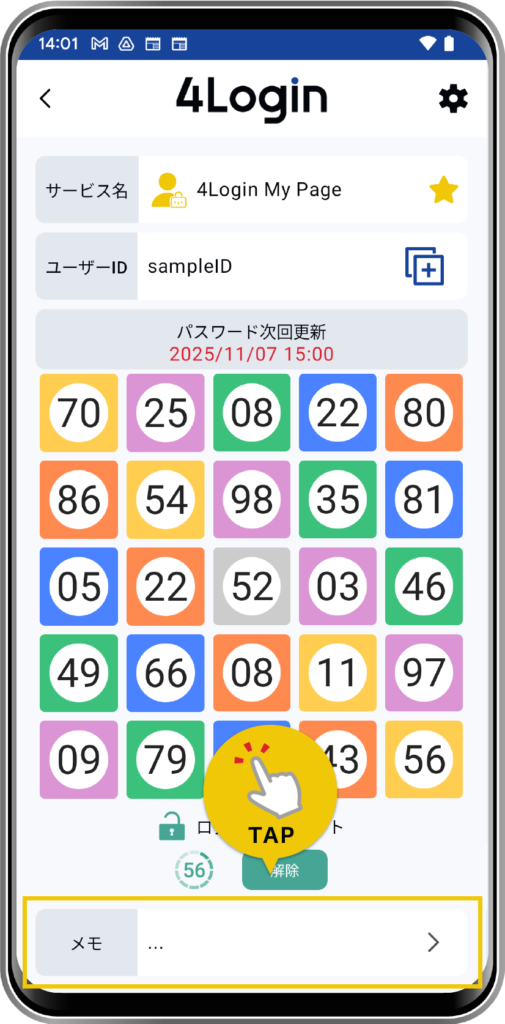
Tap the “Notes” item on the details screen.
The pattern needs to be checked.
STEP
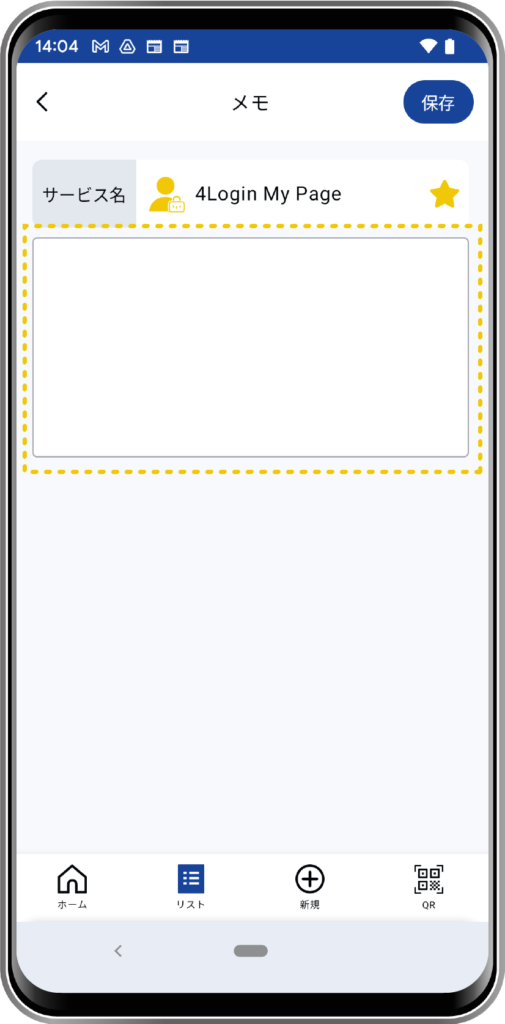
Please enter the content from the memo editing screen.
STEP
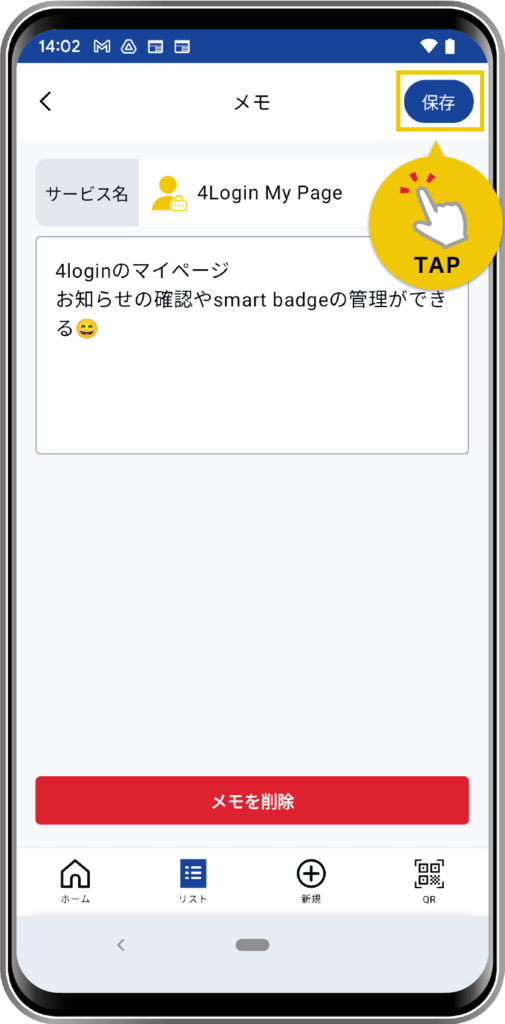
Tap the “Save” button to finish.
STEP
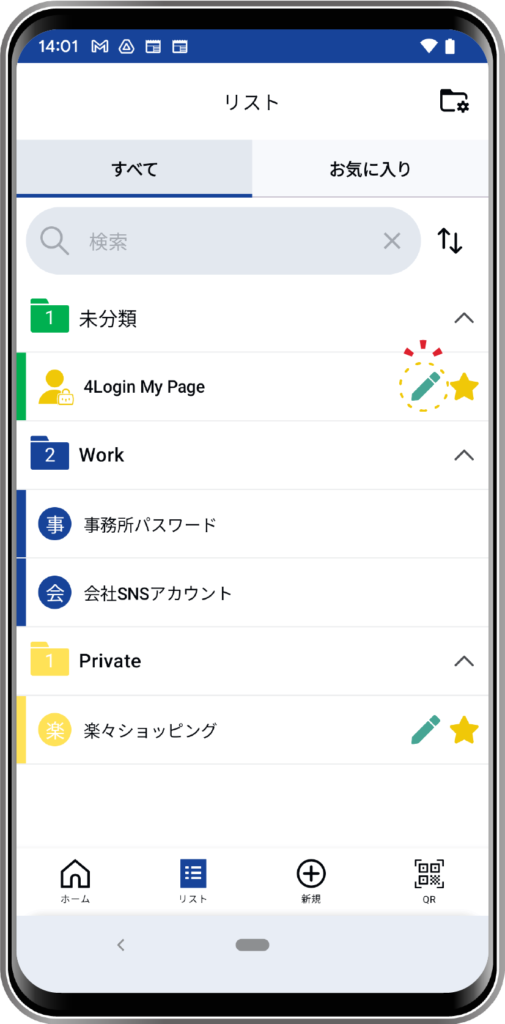
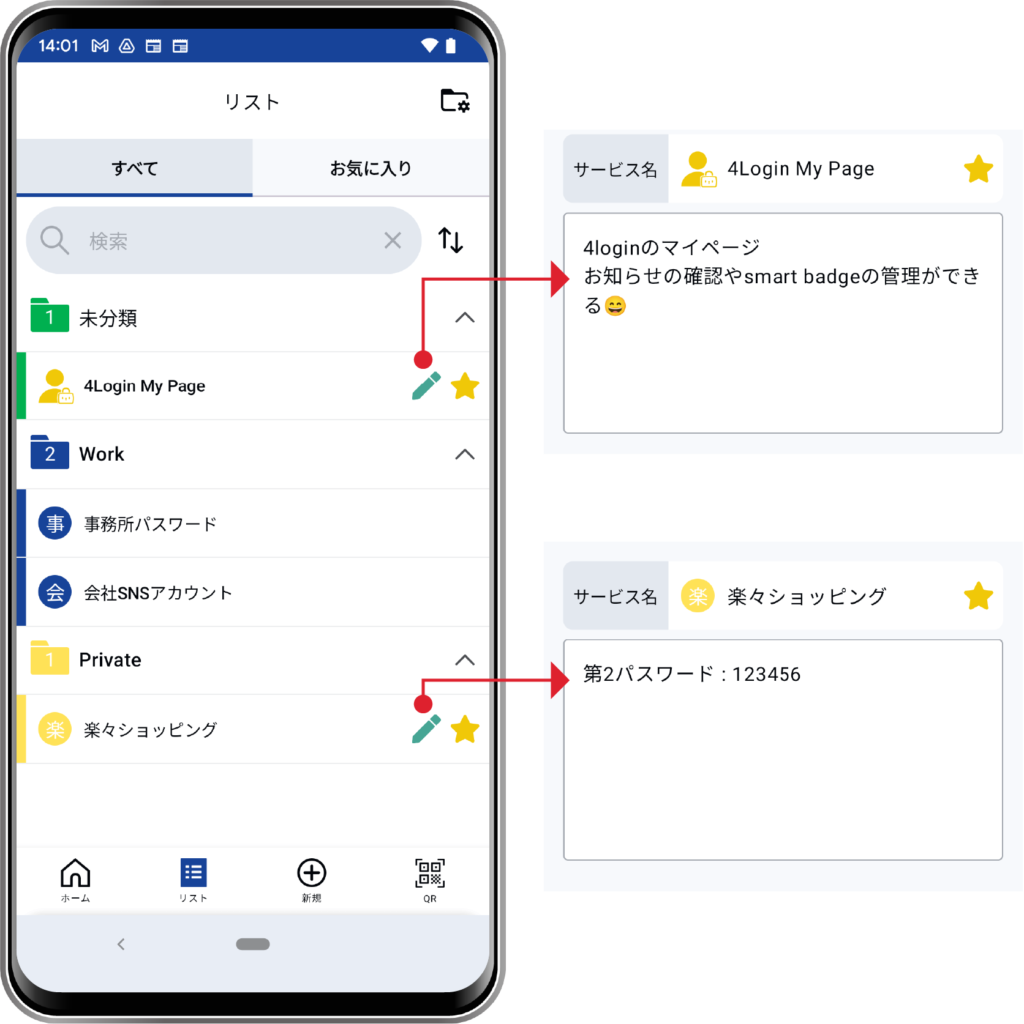
Slots with registered notes will display a pen icon in the list.